Projects Built
Cheap Recorder
LiveOne button in Chrome, one MP4 on your computer
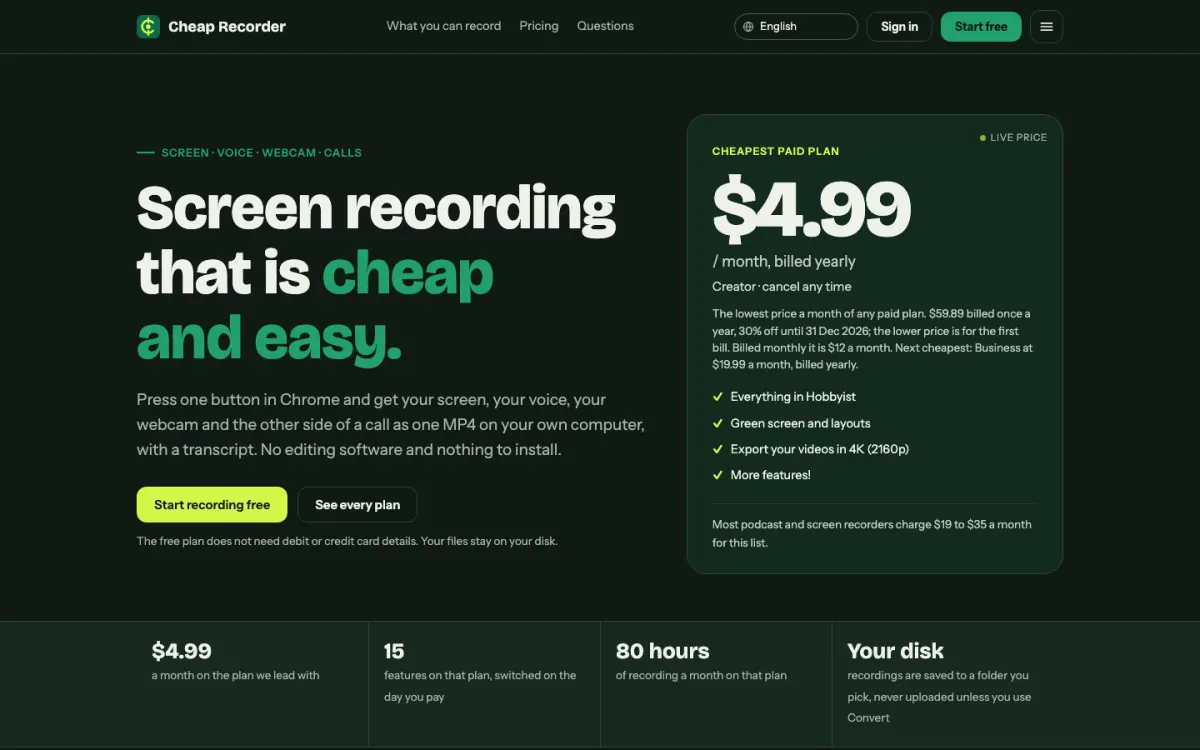
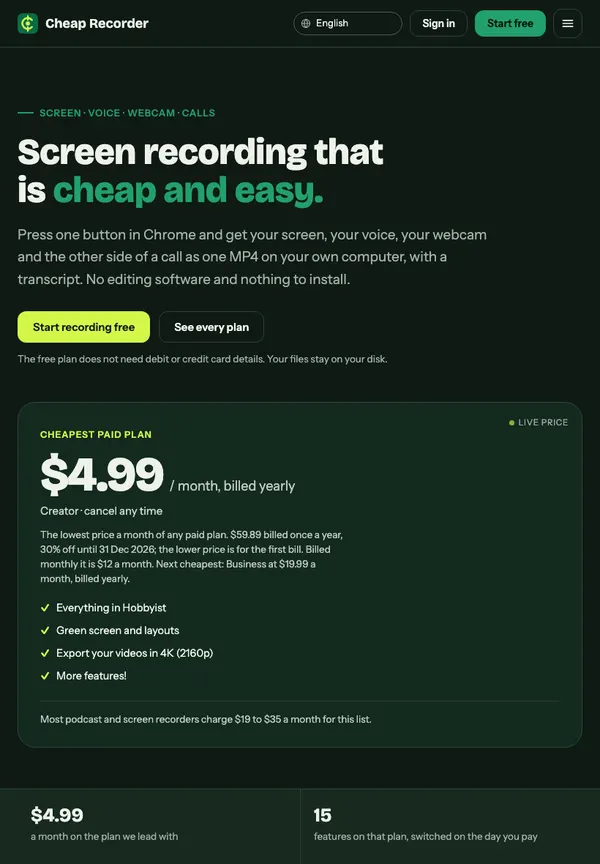
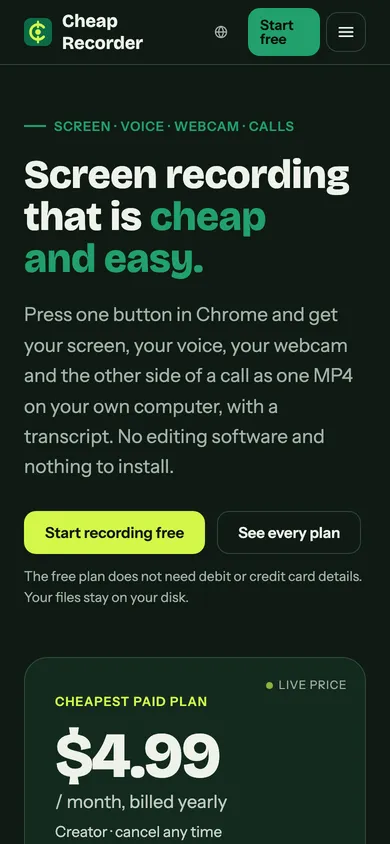
Press one button in Chrome and get your screen, your voice, your webcam and the other side of a call as one MP4 on your own computer, with a transcript.
Recordings are saved to a folder on your own disk. Nothing is uploaded unless you choose to convert a file.
- Runs in
- Chrome on macOS, Windows and Linux
- Saves to
- Your own computer
- Free plan
- 12 hours of recording a month
- Languages
- 26
What it does
- Records your screen, microphone and webcam together, with nothing to install.
- Records the other side of a Google Meet or Teams call, with each voice on its own track if you want.
- Writes a live transcript and captions while you record.
- Has an editor: cut parts out, add music, add pop-up images.
- Exports to MP4, MOV, WebM, GIF, MP3, M4A or WAV.
Who it is for
- Podcasts
- Screen recordings
- Courses and tutorials
- Client demos
Plans
Monthly prices, with the yearly price where there is one. Every paid plan starts with a 7-day free trial.
- Free
- $0, no card needed. 12 hours of recording a month, 1 device.
- Creator
- $12 a month, or $4.99 a month billed yearly. 80 hours a month, 1 device.
- Business
- $40 a month, or $19.99 a month billed yearly. 250 hours a month, 5 devices, up to 3 team members.
Where it stands
Live: you can make a free account, the paid plans are on sale, and it runs in Chrome with nothing to install.
Phone browsers cannot record the screen, so phones get an Android app, which is still in testing. There is no iPhone version yet.